
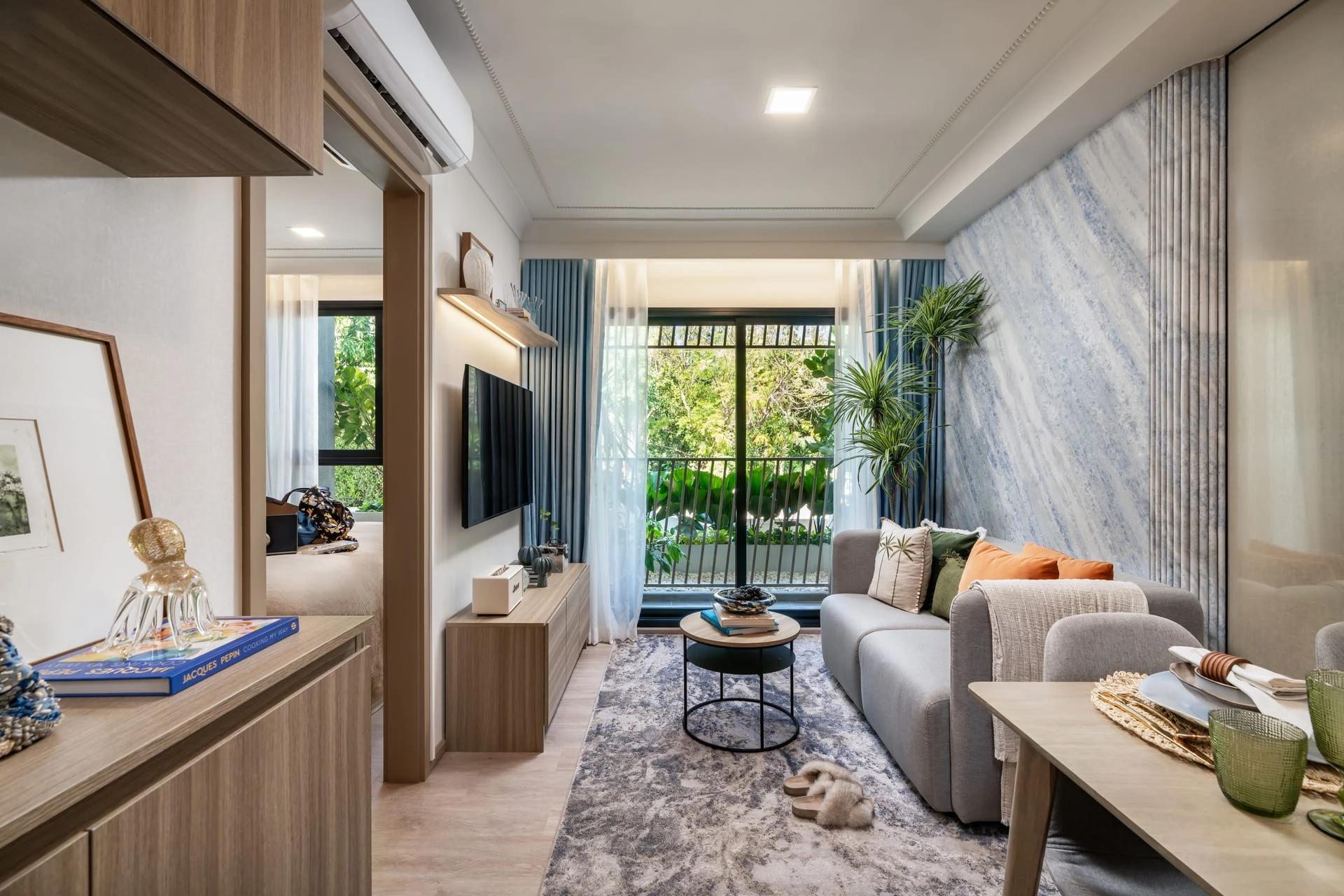
Internet in a Phuket condo needs checking where you will actually work. A quick download in the reception area tells you little about an evening video call from the bedroom. Before choosing a home for regular working stays, establish what connection the apartment can have and how you will test it.
The lounge and the apartment need separate answers
Sansiri’s Rhea project page describes a co-working space overlooking the pool, intended for working alone or in a group. That is a useful place to have on your shortlist. The description does not specify the internet service inside a private apartment.
For a home at Rhea by Sansiri, or another condominium, ask for the connection arrangements for the exact unit. Which providers can install there? Does the owner take out an individual subscription, or is access supplied through a building service? Where does the connection enter the apartment, and where would the router sit?
Request the proposed installation date, equipment, recurring charge and any minimum contract term. Keep the reply with the unit details. These are questions to settle for your purchase, not stated Rhea service terms. If the apartment is not yet available to test, record the connection as proposed rather than tested.
Bring the laptop you use for work
When the finished apartment and its intended connection are available, arrange a test at your normal working time. Sit where the desk will go, close the doors as you normally would and use your usual laptop and meeting software. If your employer requires a particular connection setup, include it in the test with their permission.
Make a real call with someone who can tell you what they hear and see. Speak in both directions, share a document on screen and upload a representative file. A connection that feels quick while browsing still needs to handle the tasks that matter to your job. If two people will work from the apartment, try the calls or uploads you expect to make at the same time.
Microsoft’s Teams call-health guide shows why a download-speed result is only part of the picture: its meeting diagnostics include response time, received packet loss, audio, video and screen-sharing information. You do not need to diagnose the network yourself. Note any frozen picture, missing words or slow upload, and keep the time, room, device and connection used with the result. Those details give the provider something specific to investigate.
A successful session is evidence of that session. Repeat any result that would decide the purchase, especially if the first visit was at a different time from your working day.
Give the backup the same trial
If you intend to use your phone’s hotspot when the main connection is unavailable, test that arrangement from the same desk. Check the mobile plan’s tethering and data terms, then run the tasks you need. A signal indicator alone should not be your evidence that a meeting will work.
Treat a shared lounge as another option to test. Ask whether calls are permitted, whether you can use it at your meeting times and whether there is somewhere suitable for confidential conversations. A pool view may make a good place for email; the call you cannot miss needs a practical fallback.
Before deciding, keep a short record for each apartment: the proposed service, the actual test result, the backup result and anything still unresolved. Send Invest Phuket your shortlisted unit and the hours you expect to work. We can help request the connection information alongside the current property price and payment options.